Smart Home Status
A clearer picture of your home.
Check supported Apple Home accessories against your On/Off goals, review changes, and read fresh responses.
A closer look.
Screenshots from the iPhone App Store listing.
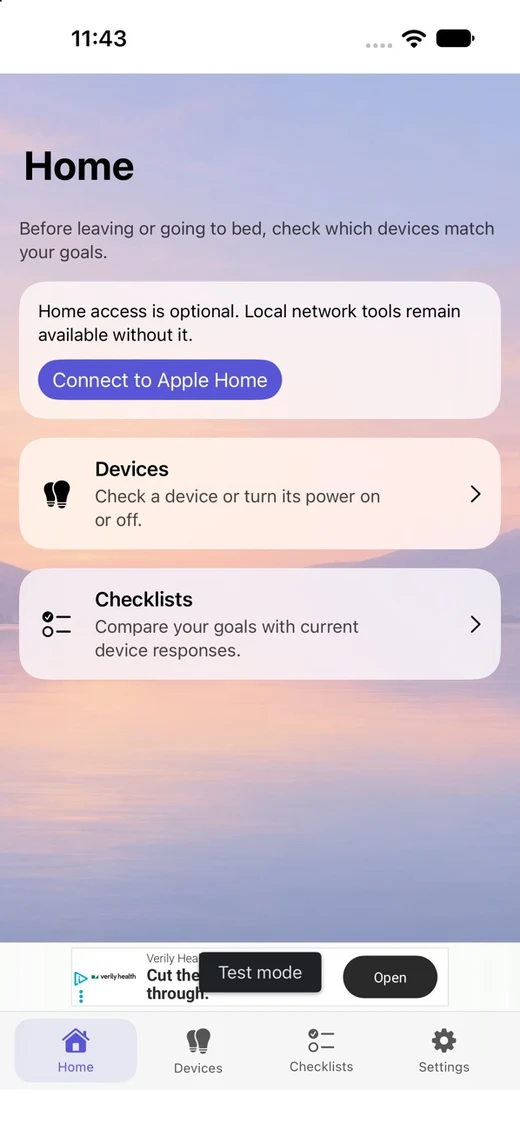
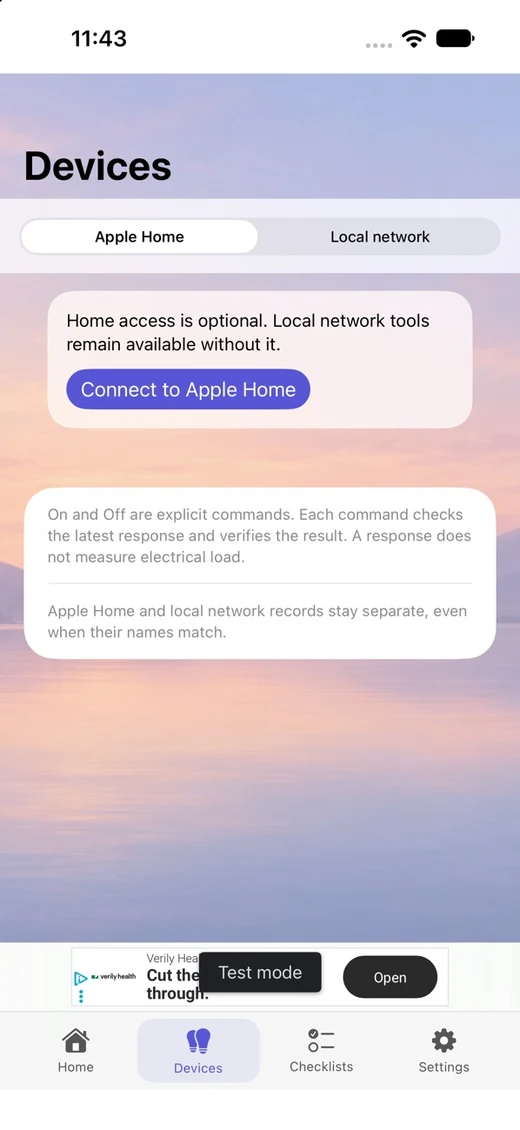
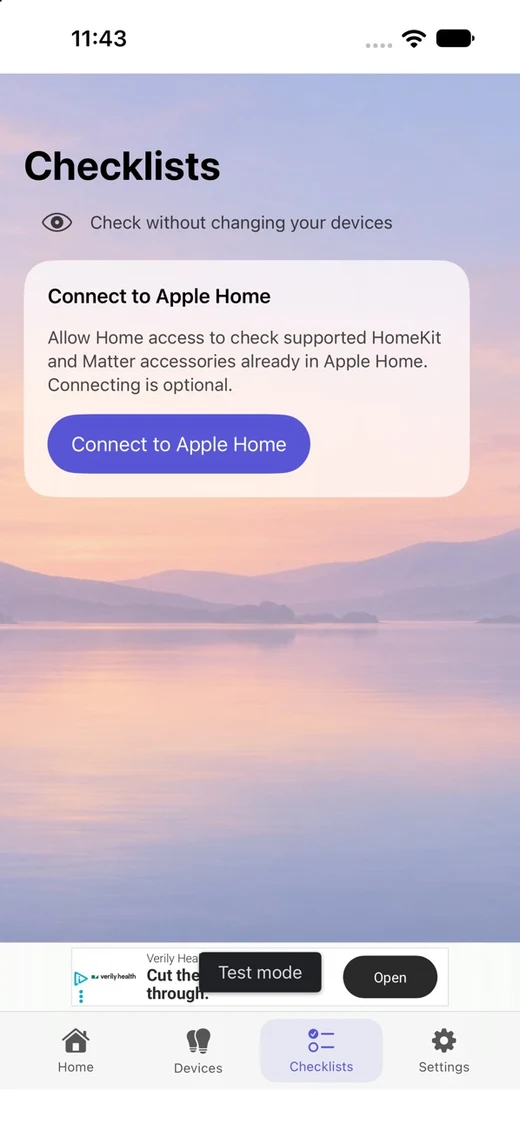
Select a screenshot to see it larger.
Smart Home Status checks supported accessories already in Apple Home against your chosen On/Off goals. Review selected changes and read fresh responses after applying them.
Apple Home checks and optional local tools
- Create on-device power checklists for supported lights, plugs and switches.
- Check current responses, select changes, review and Apply, then confirm new responses.
- Use compatible HAP/HomeKit and Matter accessories already in Apple Home through Apple's HomeKit API. No independent Matter pairing is included.
- Home reads are available on iOS 17; reviewed Home power changes require iOS 18 or later.
- Home permission is optional. Local UPnP/SOAP tools remain available for compatible devices on the same Wi-Fi/LAN, including selected legacy Wemo models.
- No developer-operated cloud account is required. No Home data is supplied as advertising context. Local tools may show consent-gated AdMob ads.
Checks describe responses at the time of a check, not continuous monitoring, physical power measurement or a home-safety guarantee. Compatibility depends on exposed services and characteristics.
Version 1.1 and later
Guided Wi-Fi setup for compatible Wemo devices is available from Devices → Local network → +. The user selects and joins a setup device, reviews the home Wi-Fi details, and verifies that same device after connecting. Discovery can start on app launch or foreground return. Apple Home is preferred in All devices only when a unique manufacturer and serial match confirms the same accessory. Supported models and system setup options vary by iOS version and firmware.
Version 1.1 requires both applicable advertising consent and Apple tracking authorization before requesting banner ads. Declining tracking leaves the home tools available. Apple's system dialog may not appear when a choice is already made, requests are disabled, or the preceding consent check does not permit ads.
Support
For support, contact meonmesh@gmail.com. Do not send accessory setup codes, passwords or private household identifiers.